


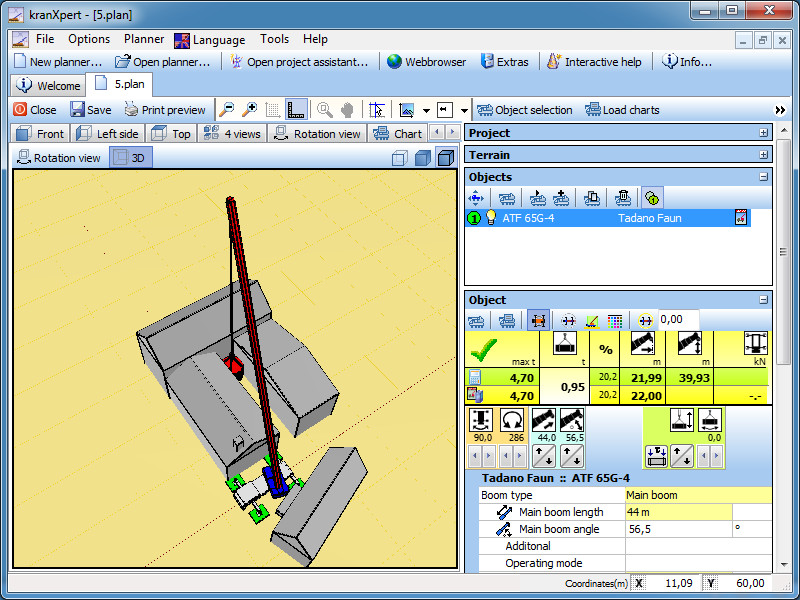
Install the network licence manager
Step 1:
To install the kranXpert licence manager execute the setup file 'SetupNetService.exe' and click on the 'Next >' button.
Step 2:
Insert your name and the company, click on the 'Next >' button.
Step 3:
Change the default setup path or click on the 'Next >' button to use the default folder.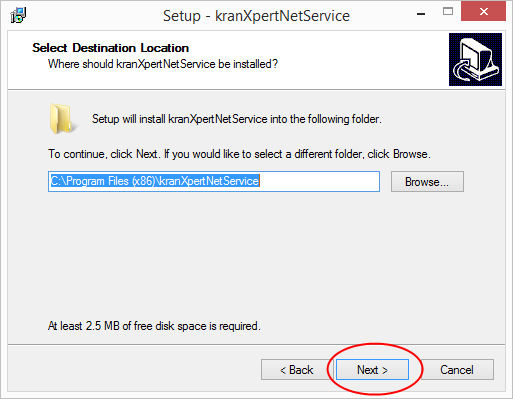
Step 4:
Click the 'Next >' button.
Step 5:
Click on the 'Install' button to beginn the setup.
Step 6:
Click on the 'Finish' button to close the setup.
Step 7:
Click on the 'Change Licence' button.
Step 8:
Insert your CustomerID and licence Key (the Key start with NP or NE) and klick on the 'Free' button.
Step 9:
When the license status is OK then close the application.If the status failed click again the 'Change Licence' button and check your input.

Step 10:
Start the Services application in the 'Administrative Tools' from the 'Control Panel'.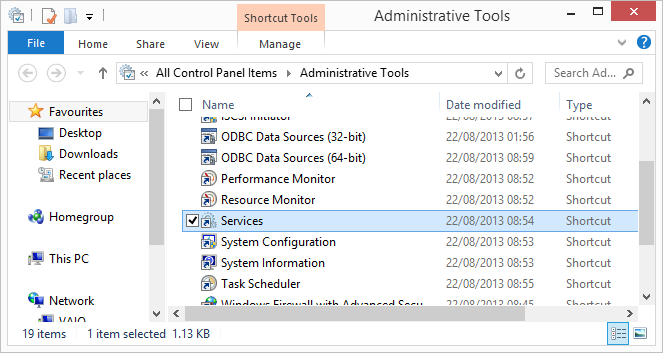
Step 11:
Search for the 'kranXpert Licence Server' and restart the service.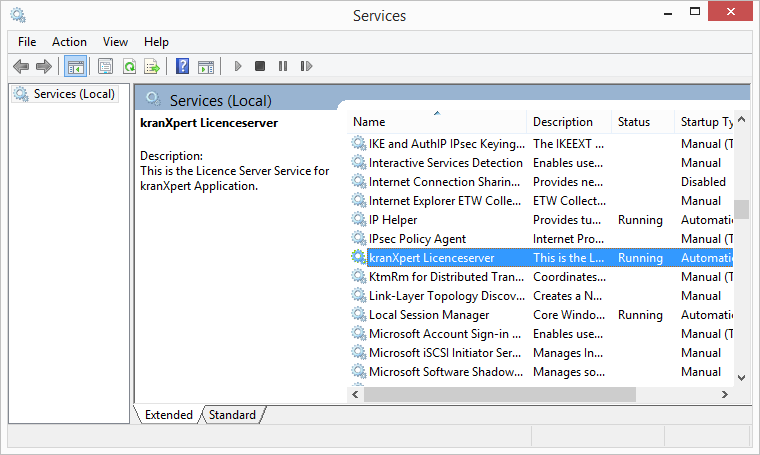
Step 12:
Open the port 47110 in the firewall.