


 PDF Flyer
kranXpert
Welcome to kranXpert, the powerful crane lift planner!
Say goodbye to time consuming desk drawings and tedious searches through load charts.
With kranXpert, you can efficiently plan mobile crane operations.
Easy Visualization
You don’t need to be a CAD expert to draw obstacles or buildings for your crane planning.
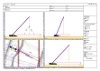
kranXpert provides familiar drawing tools that allow you to visualize crane lifts from various angles.
Quick Solutions
Complex tasks require straightforward solutions. kranXpert enables you to plan crane lifts rapidly and efficiently.
kranXpert is an essential tool for construction industry companies. Try it out and simplify your crane planning!
Overview of the kranXpert available cranes.
Minimum Requirement:
- Windows 7
- Screen resolution Full-HD
- OpenGL support
- CPU: Intel i3+
- RAM: 4 GB
- Storage space: min. 2 GB
- Internet connection for activating.
Sample projects
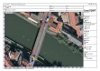
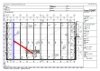
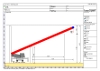
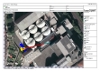
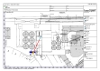
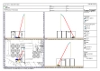
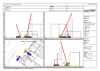
Screenshots
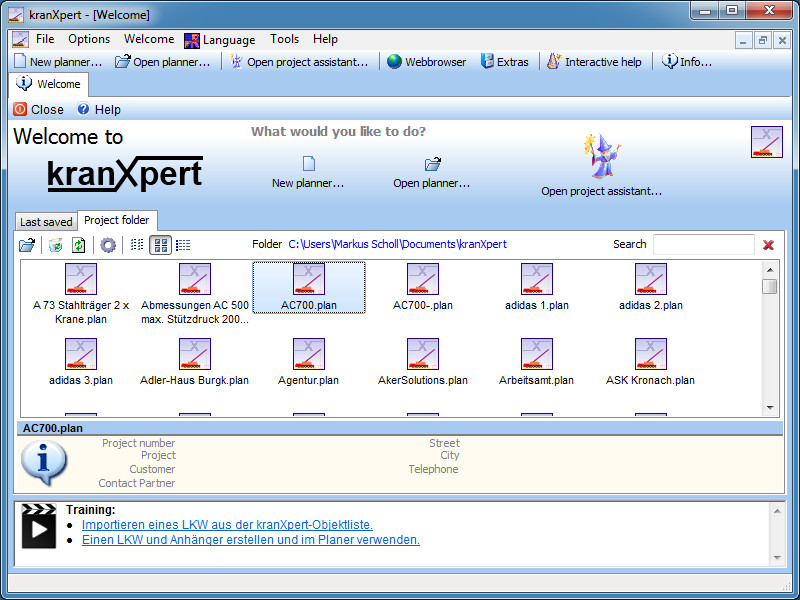
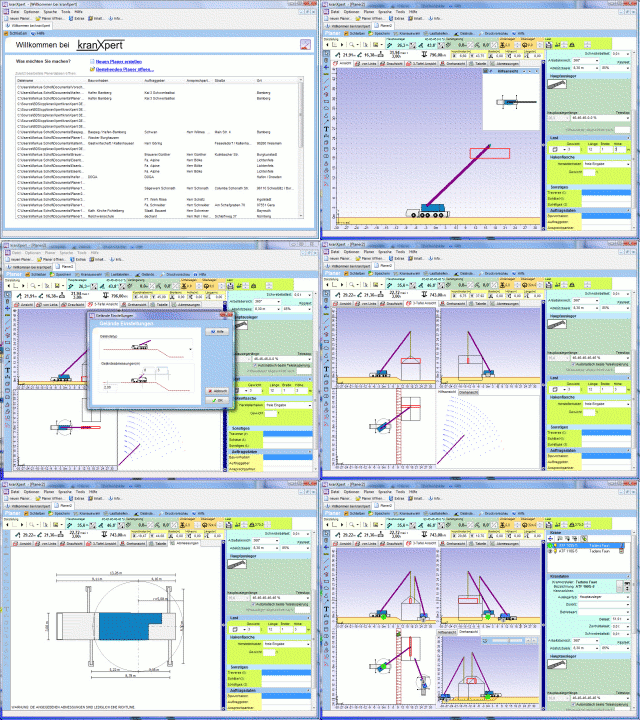
Welcome window with select project
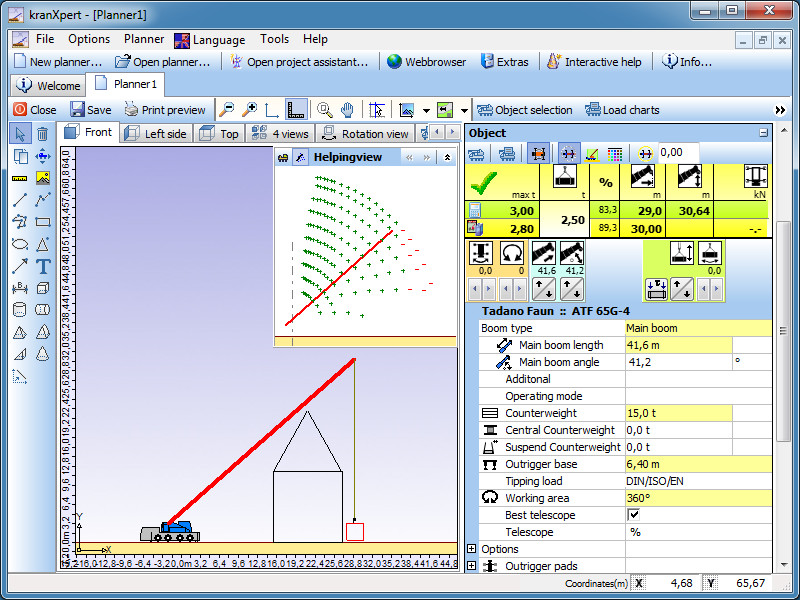
Planner windows with loadgrid
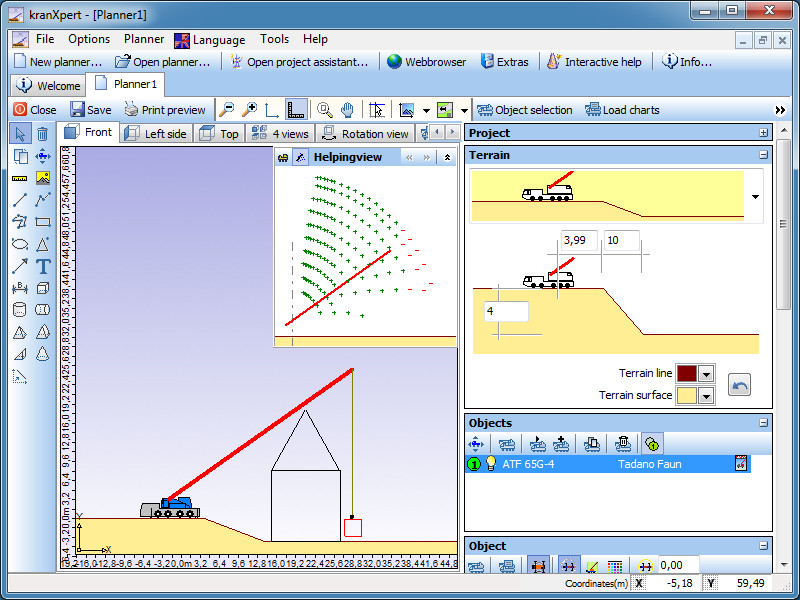
Terrain selection
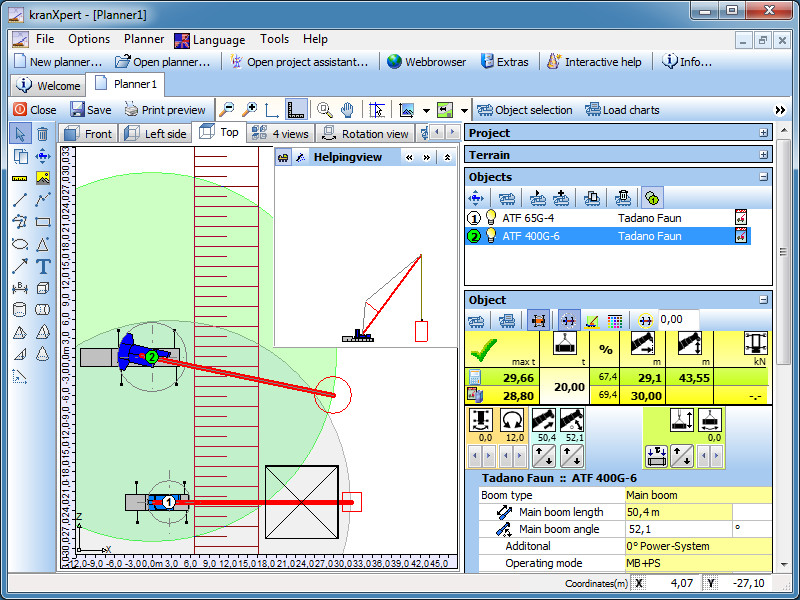
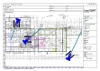
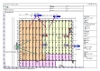
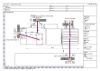
Top view with loadgrid
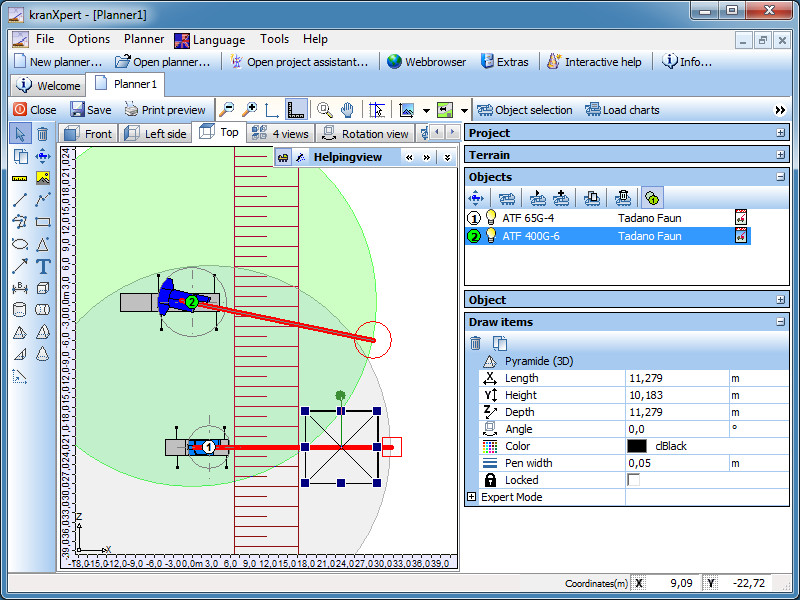
Top view with drawing properties
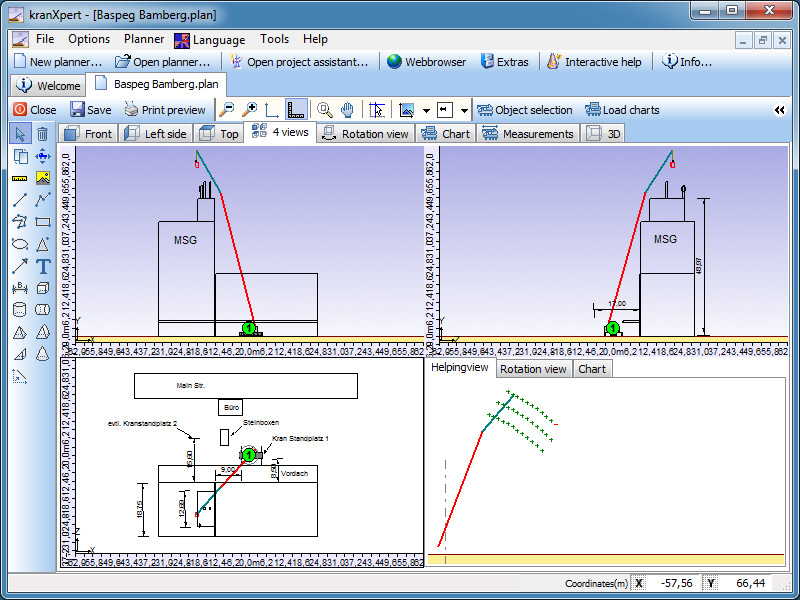
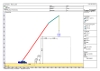
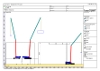
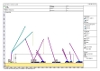
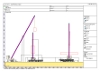
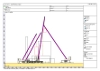
3 side view
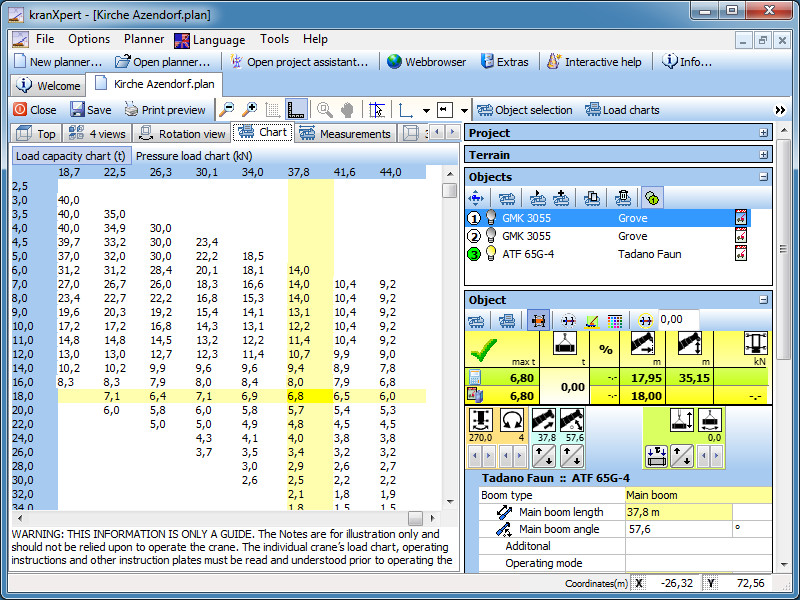
Load capacity table view
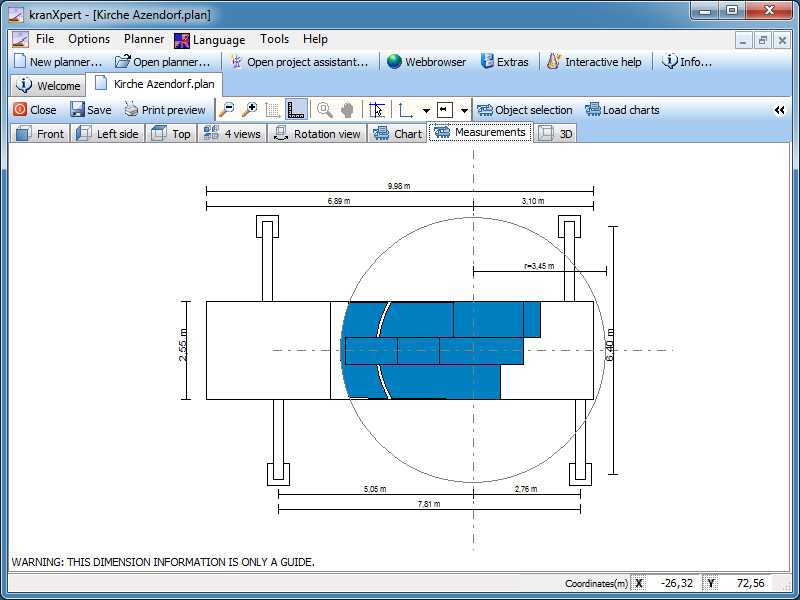
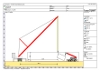
View of crane dimension
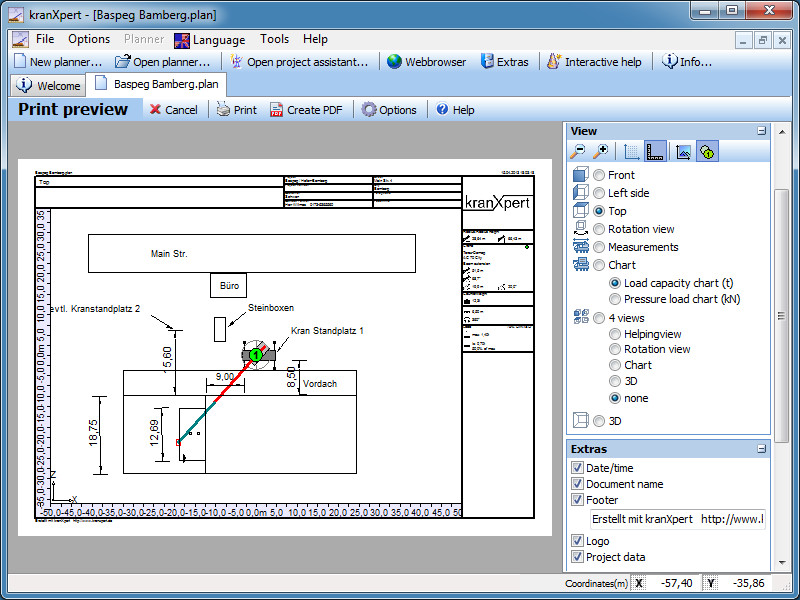
Print preview
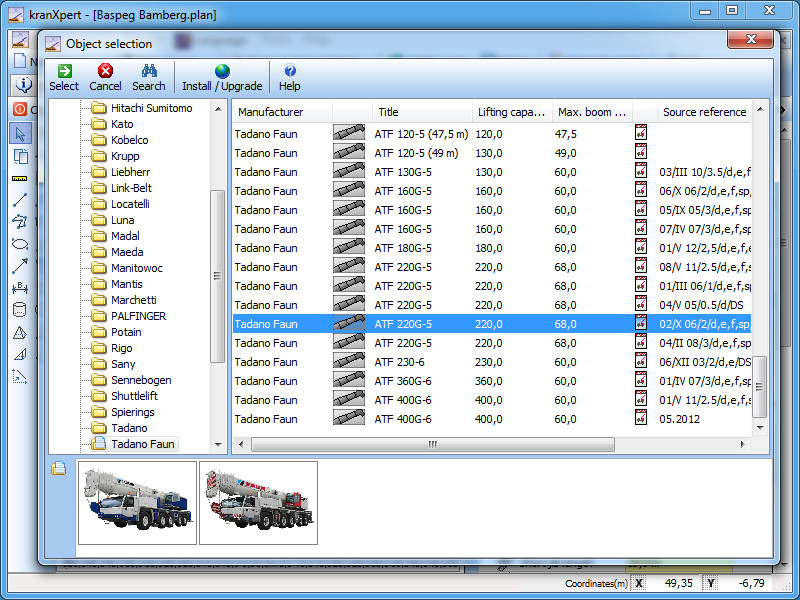
Crane selection form
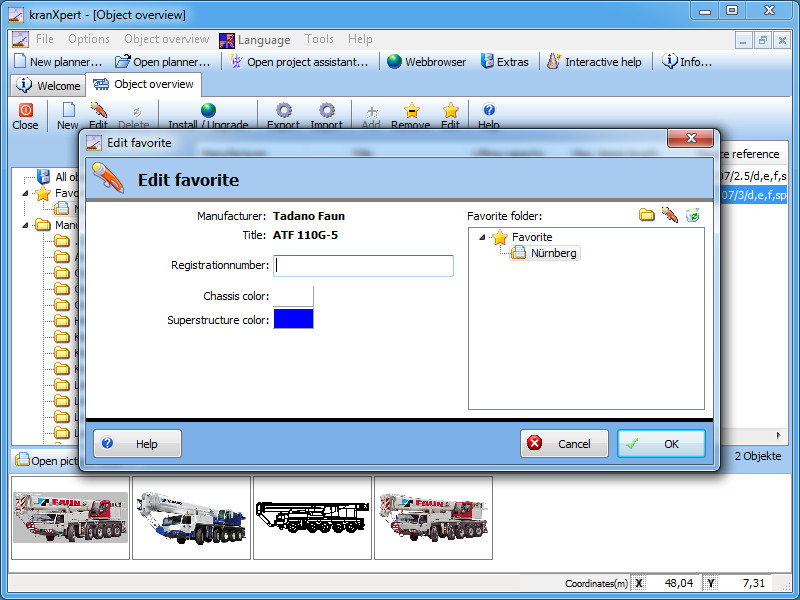
Fleet overview
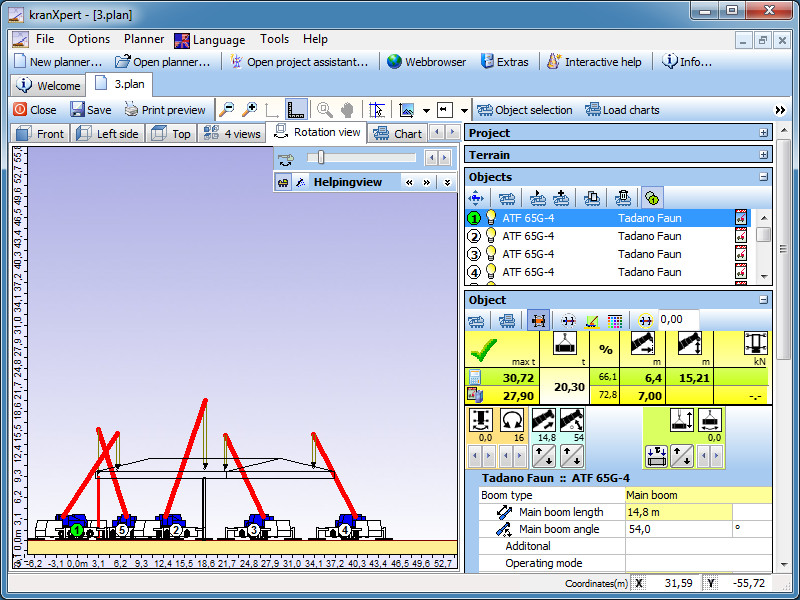
5 crane view

5 crane view in 3 side view
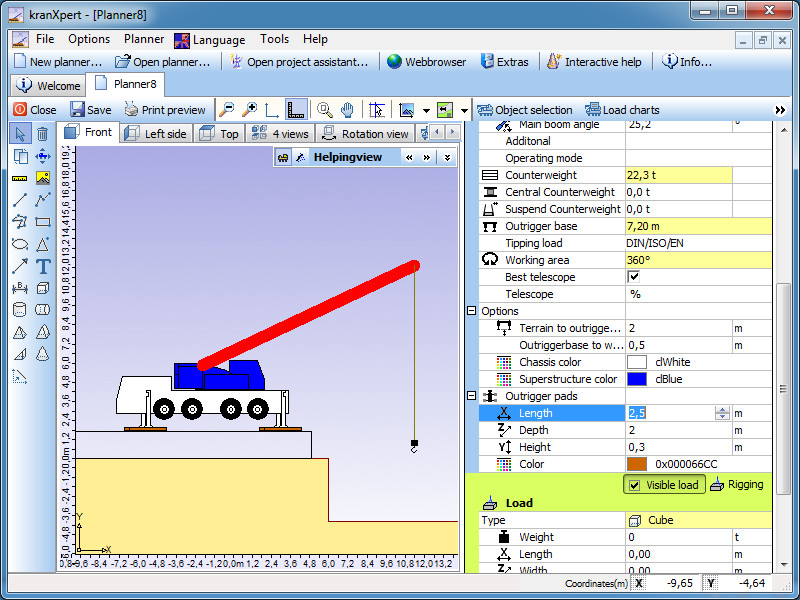
Crane options

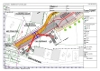
Top view with ground plan picture
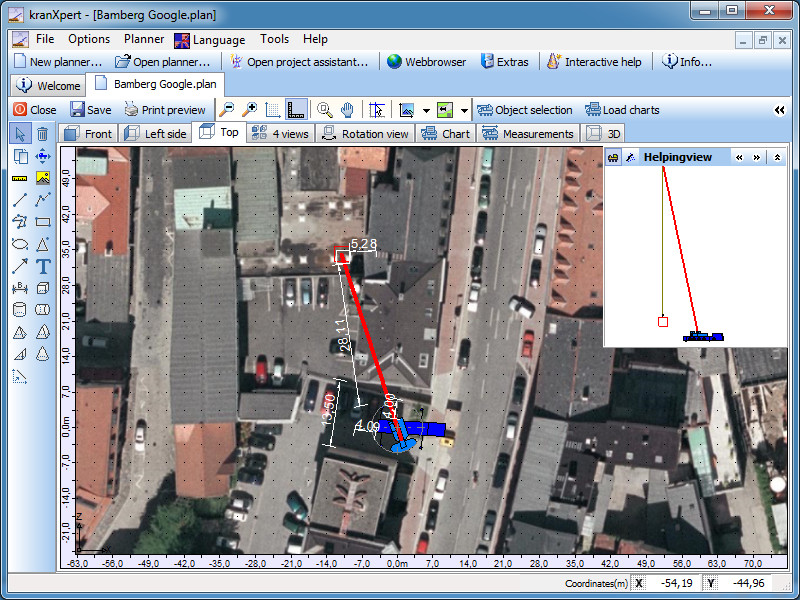
Ground plan picture

Rigging
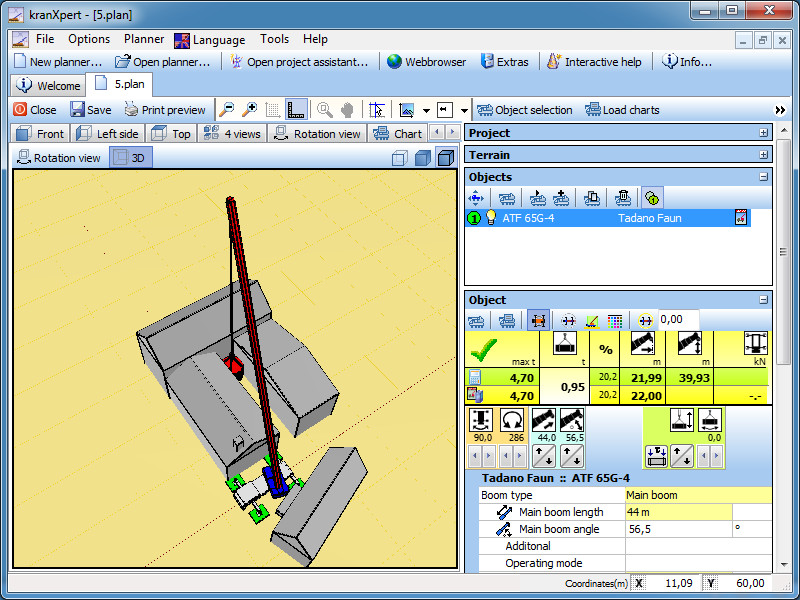
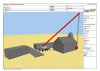
3D view with solid style
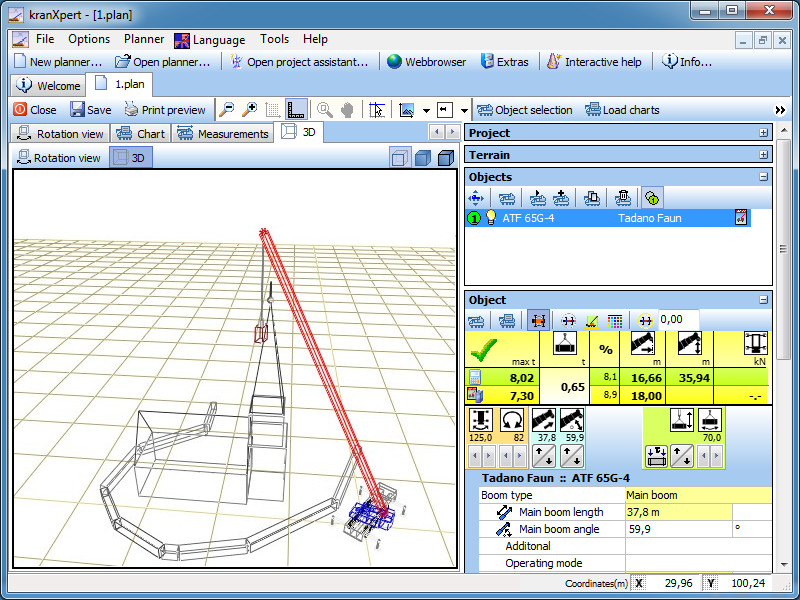
3D view with wireframe style
Download
kranXpert Demo version

If you have questions, please use our contact form